Can Google and ChatGPT actually read your website?
Four checks tell you: whether your words are in the page's HTML, whether anything tells crawlers to stay away, whether each page has one address, and whether links lead to dead ends. Each takes minutes and none needs a developer to run.
Probably, but it is worth ten minutes to make sure. Search engines and AI engines can only recommend what they can fetch and read as text, and a site can look perfect in a browser while showing a crawler almost nothing. Four checks cover the common problems, and you can run all of them yourself.
Are your words in the HTML, or do they appear later?
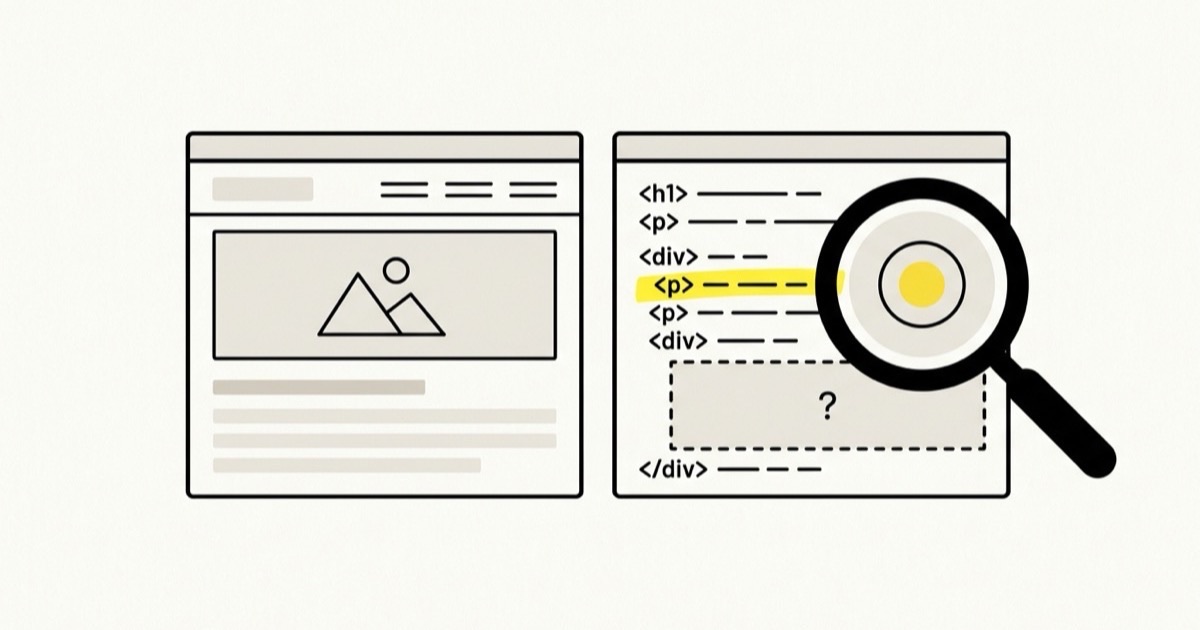
Many modern websites send the browser an almost empty page, then fill it in with JavaScript. Your visitors never notice. A crawler that does not run the JavaScript sees the empty version.
Google runs JavaScript when it indexes pages, though it can take longer to get round to it. Most AI crawlers do not. When Vercel studied AI crawler traffic across its network in late 2024, it found that none of the major AI crawlers, including OpenAI's and Anthropic's, rendered JavaScript. They fetched the page and read what the server sent.
To check, open your most important page, right-click, and choose View page source. This shows the raw HTML the server sent, before any script ran. Press Ctrl+F (Cmd+F on a Mac) and search for a sentence from the middle of your page. If you find it, crawlers can read it. If you only find code and an empty <div>, your content is being drawn by JavaScript, and your developer or website platform needs to render it on the server instead.
Check the parts that sell, too: prices, service descriptions and reviews are often loaded by a separate widget after the page appears.
Is anything telling crawlers to stay away?
Two small pieces of text can hide a whole site.
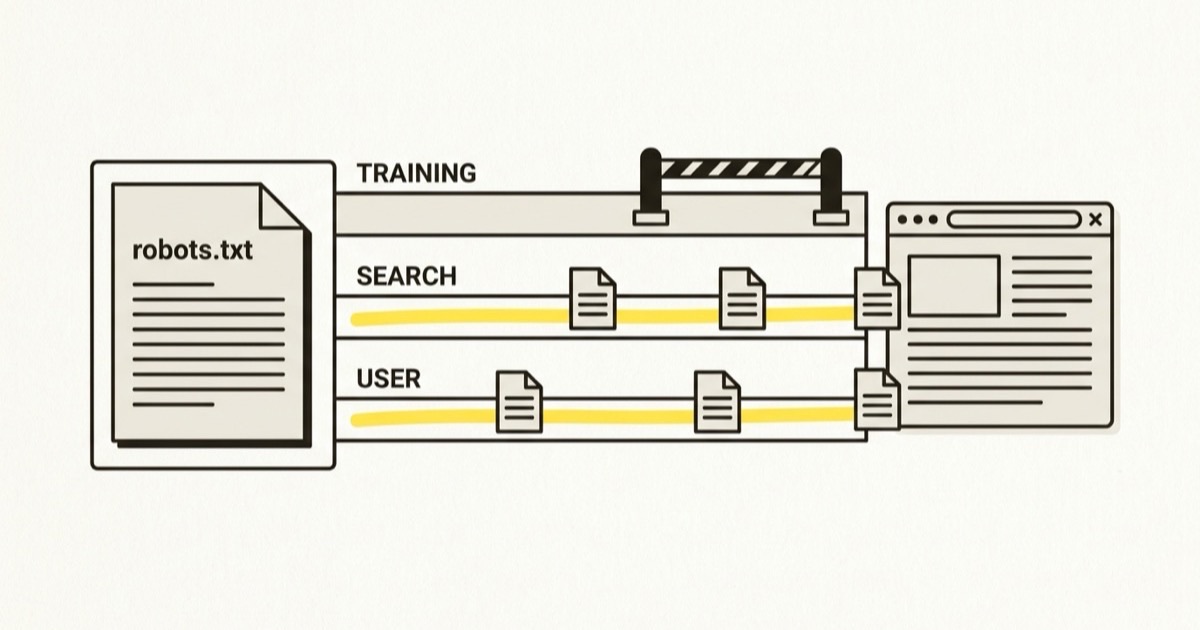
The first is robots.txt. Open yoursite.com/robots.txt and look for Disallow: / under User-agent: *, which asks every crawler to stay out. Also look for blocks on named AI search bots such as OAI-SearchBot or PerplexityBot, which keep you out of ChatGPT's and Perplexity's search answers.
The second is a noindex tag, which asks search engines not to list a page. In the page source, search for noindex. It is right on a thank-you page or a login screen, and a disaster on your homepage. Website builders often add it to a whole site while it is being built, behind a setting with a name like "discourage search engines" or "hide from search", and it is easy to forget to switch off at launch.
If you use Google Search Console, the URL Inspection tool shows whether Google can index a page and why not, and its live test shows the page as Google renders it.
A page can look perfect to you and still be blank to the bot deciding whether to recommend you.
Does each page have exactly one address?
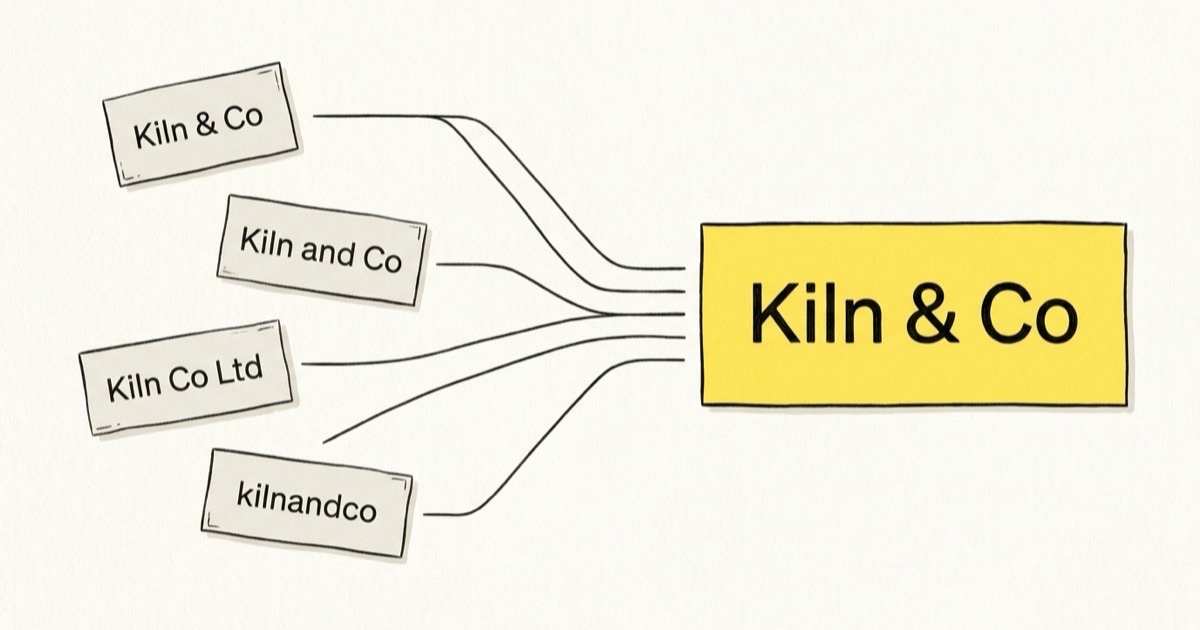
Your homepage can usually be reached four ways: with and without www, and over http and https. If all four load a page without redirecting, engines may treat them as separate copies, and the links and mentions that should build up one page get split across four.
Type each version into your browser's address bar:
http://yoursite.comhttp://www.yoursite.comhttps://yoursite.comhttps://www.yoursite.com
All four should end up at the same address. Whichever one you pick, the other three should redirect to it permanently. Most hosts and website builders have a setting for this, so it is rarely more than a switch.
The same goes for pages with and without a trailing slash, and for old addresses after a redesign. Every old page that still gets links should redirect to its new home, in one step.
Do links on your site lead to dead ends?
A crawler follows links to discover your pages. Every link to a page that no longer exists wastes a visit and leaves a hole where content should be. Redirect chains, where one address redirects to another that redirects again, do the same thing more slowly.
Search Console's page indexing report lists pages Google tried and failed to fetch, including ones returning "not found". A desktop crawler such as Screaming Frog, whose free version checks up to 500 addresses, lists every broken link on a small site in a few minutes. Fix the broken pages that other pages still link to first, because those are the dead ends crawlers keep hitting.
Fix these before you publish anything new. A new page on a site crawlers struggle to read inherits the same problems.
Do this today
- View the source of your top page. Search it for a sentence from your content, then for your prices and reviews.
- Read your robots.txt and search for noindex. Remove any block you did not mean to set.
- Type in your four homepage addresses. Make sure three of them redirect to the fourth.
- Run one crawl and fix the broken links. Start with the pages other pages still link to.
When engines can read every page, run an audit to see what they say about you.
More articles
All articles